

UI Of The Week

The Task:
In my UI/UX class, the primary focus was the collaborative creation of a high-fidelity mobile prototype for an app. However, to help hone our UI skills, we were assigned UI of the Week. As the name suggests, we created a UI every week, focusing on different components each week. At first, the thought of creating even a single UI was a daunting task, but by the end, I found it to be an exciting creative routine. With these interfaces, I wanted to see if I could work with standard UI principles while also venturing into creative color and typography choices when possible.
Week 1: Sign up/log in
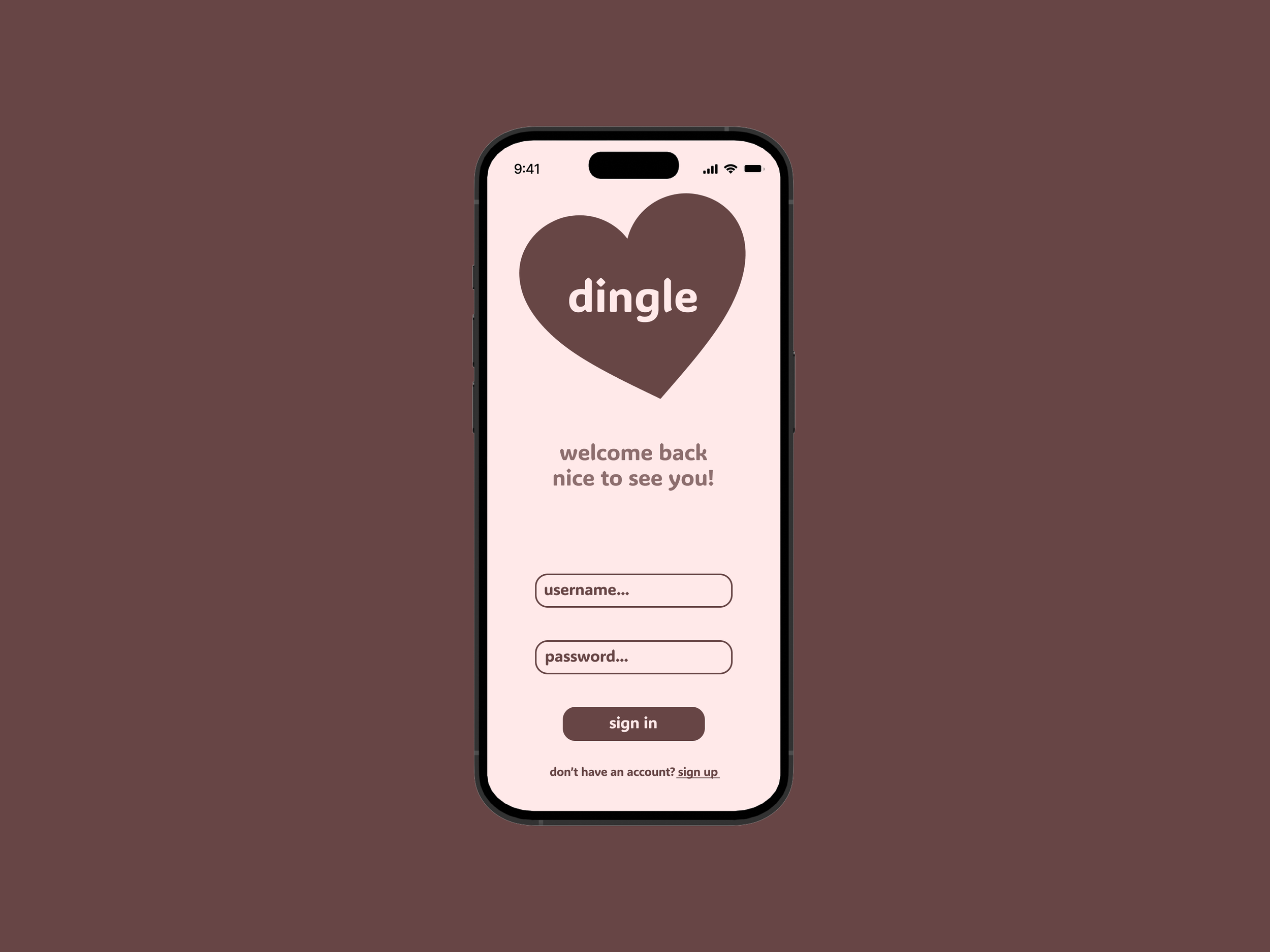
We built our first UIs together in class, which were for a sign up/log in screen. Although the theme did not have to be unified, many of us decided to create one for a dating app. Here I was still getting familiar with Figma and all of its features, and I went for a simple, flat interface.
Week 2: Buttons/Sliders
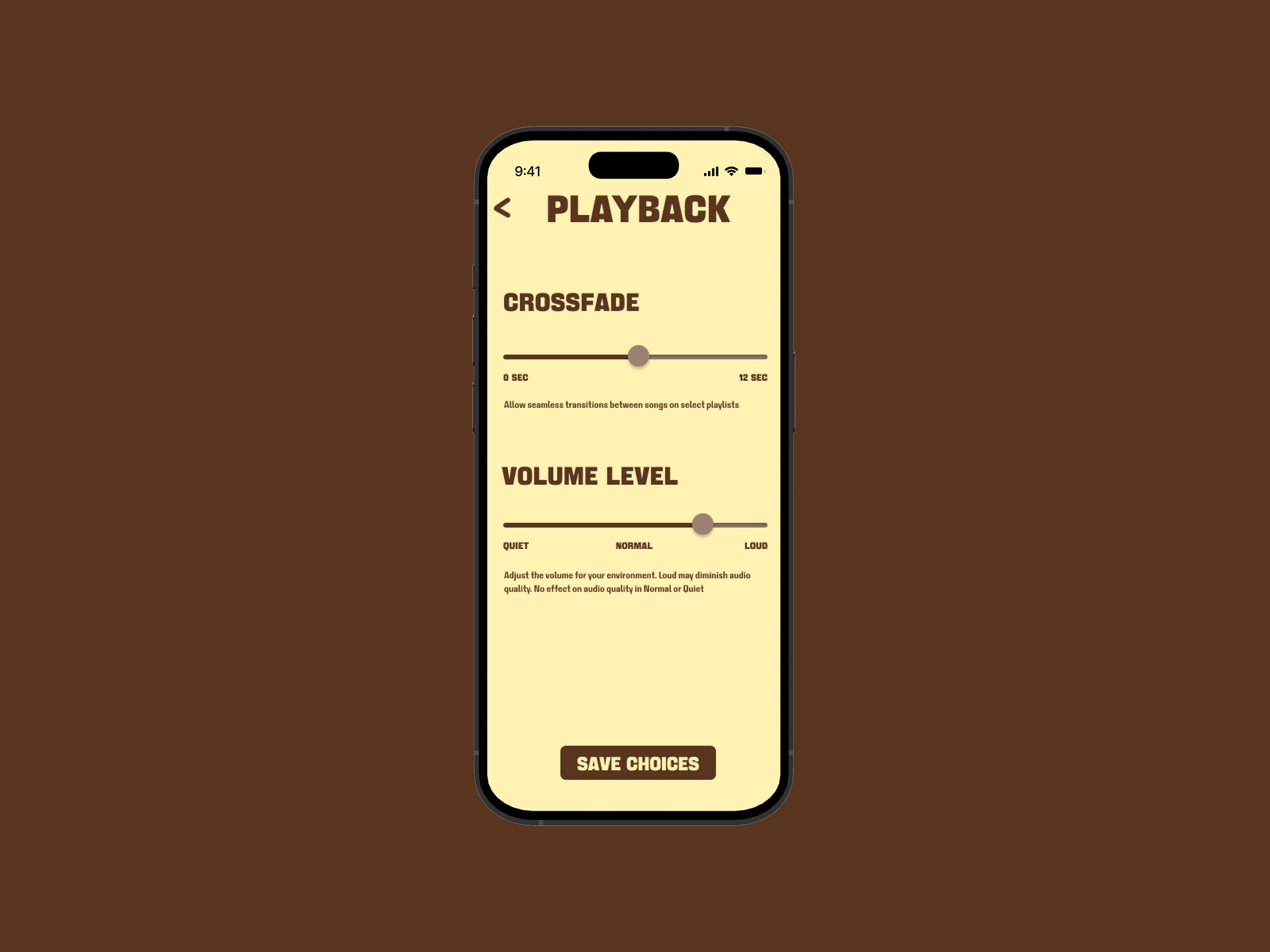
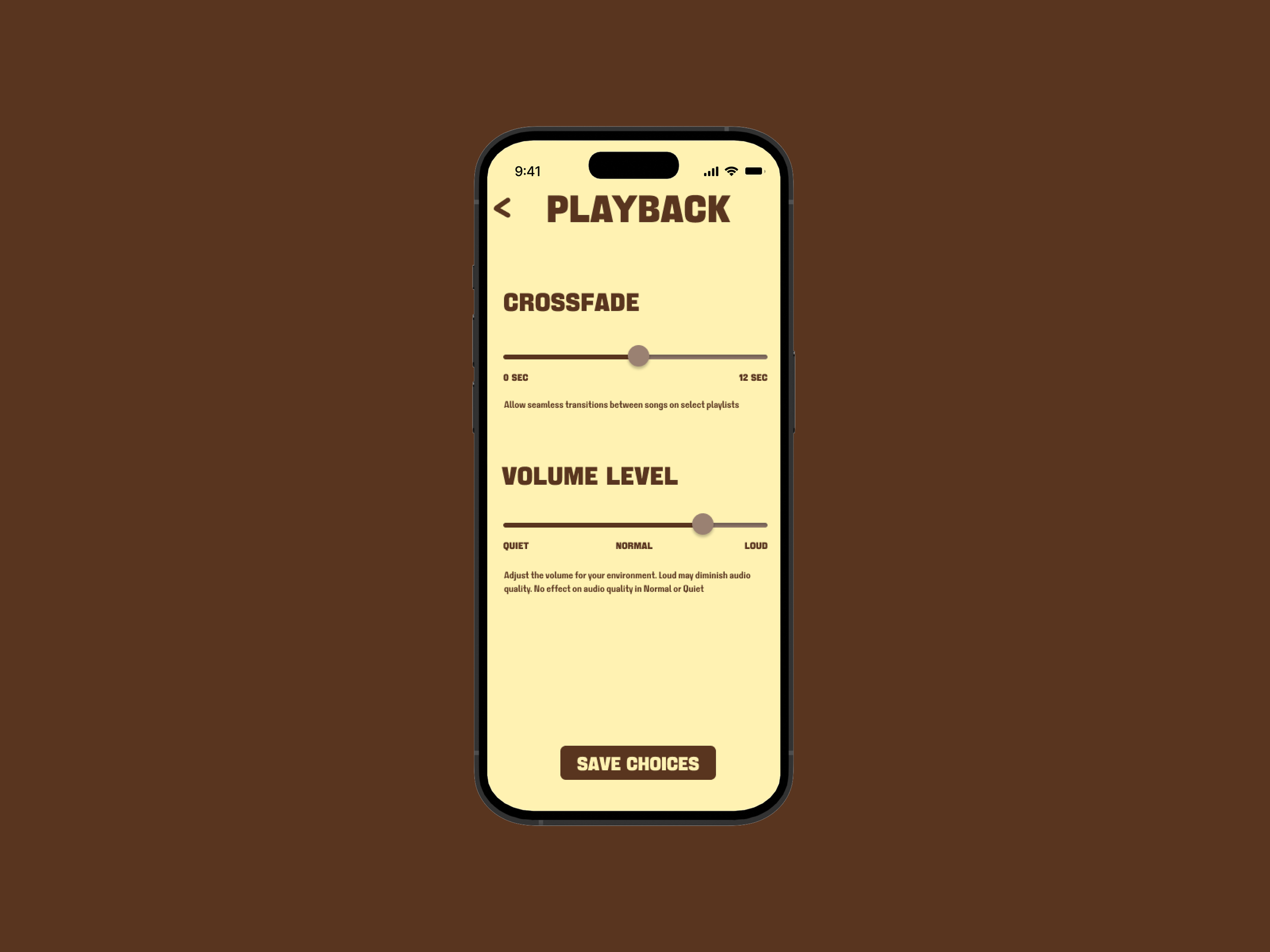
By the second week, we began to make UIs on our own. The immediate idea of an interface with buttons and sliders that came to me had to do with volume. Here, I decided to play with color and typography in a way that still worked in a UI context. It was a challenge I sought to replicate throughout the rest of my interfaces.
Week 3: Bottom Navigation Bar
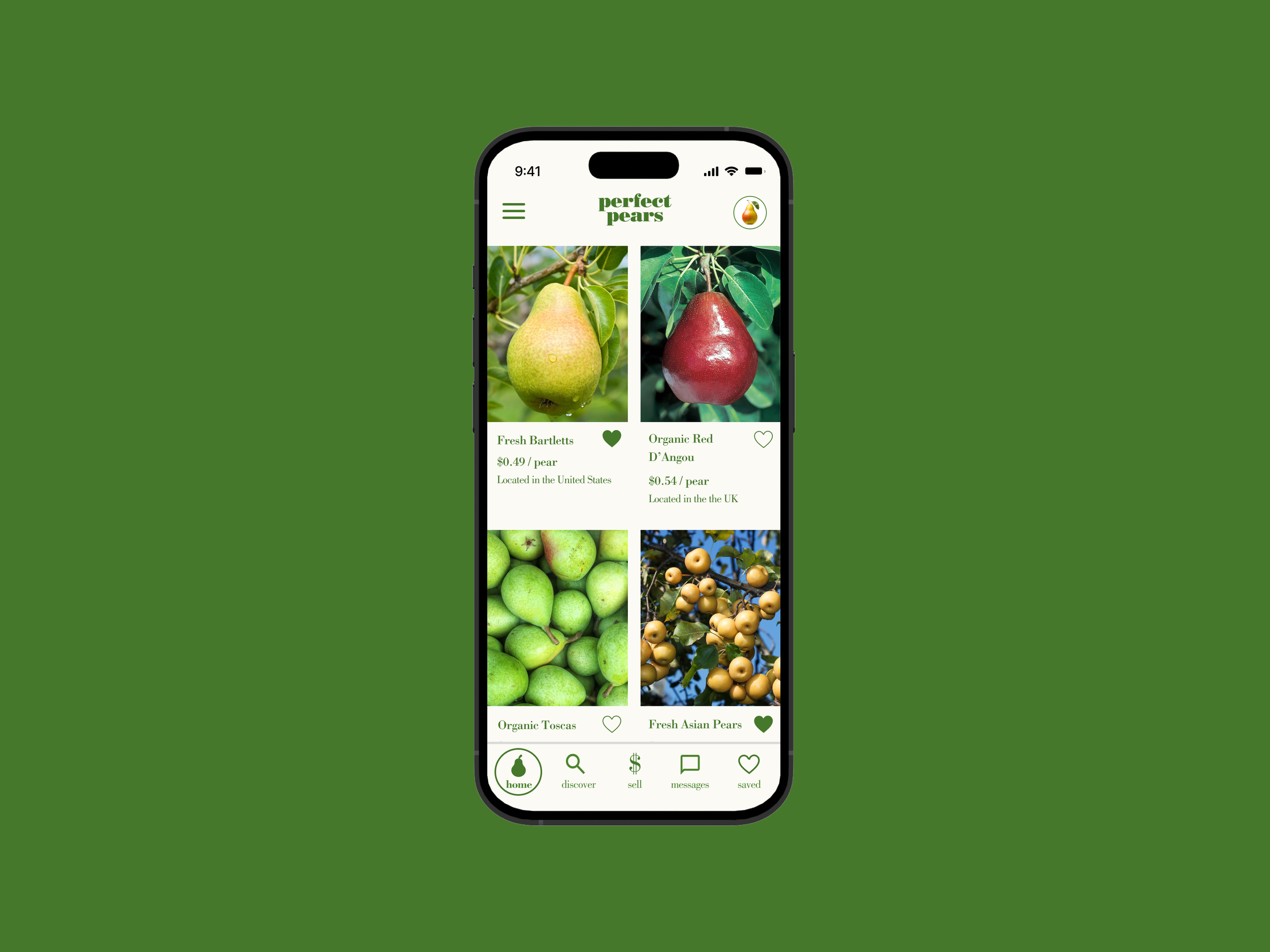
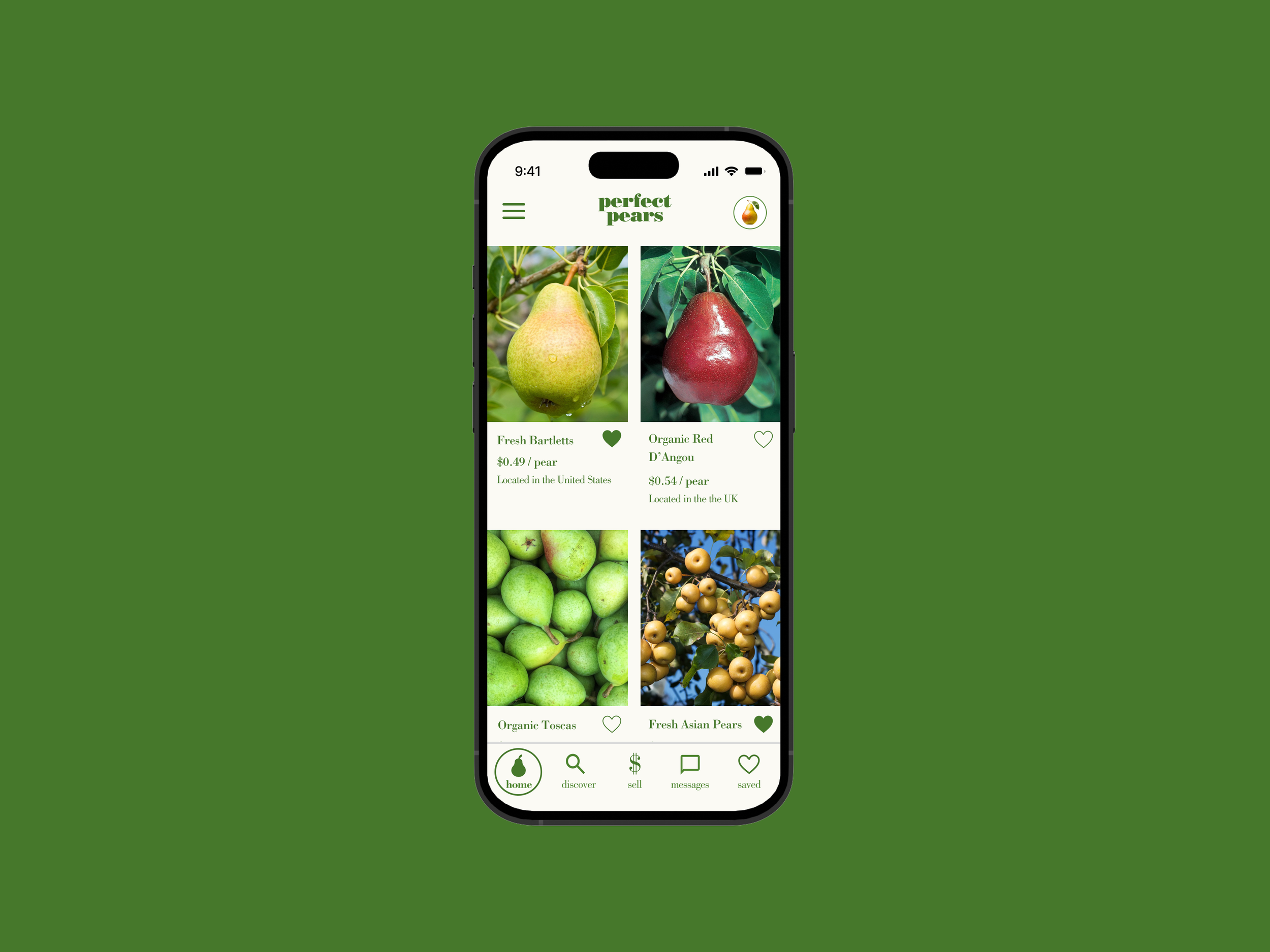
Inspired by the layouts of online shopping apps I use, I started to dive into more surreal themes while still keeping my compositions clean and legible.
Week 4: App Bars & Progress Indicators
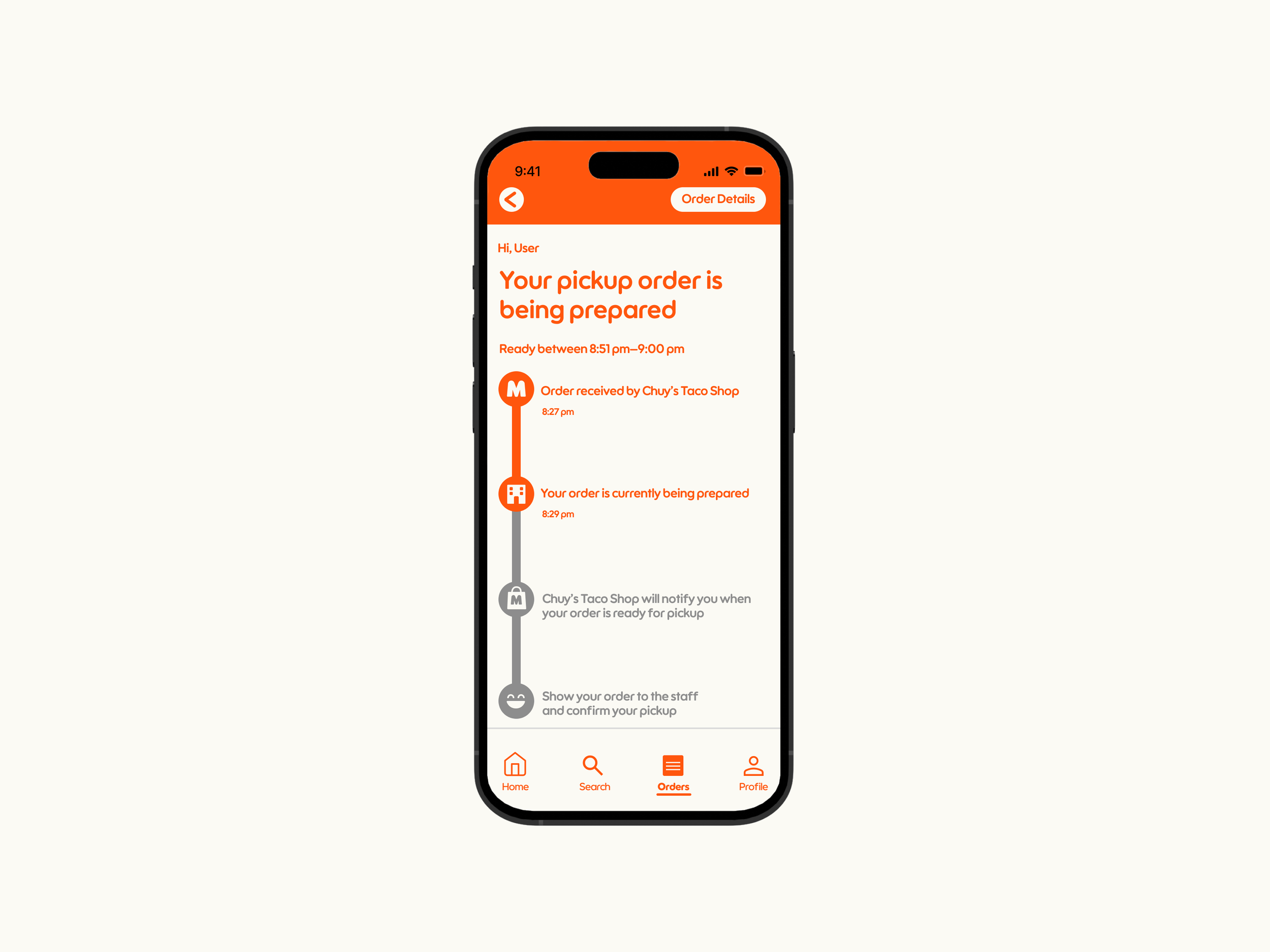
Here I played with Figma’s design tools to create some custom icons while working with a softer, standard type of typography.
Week 5: Text Fields
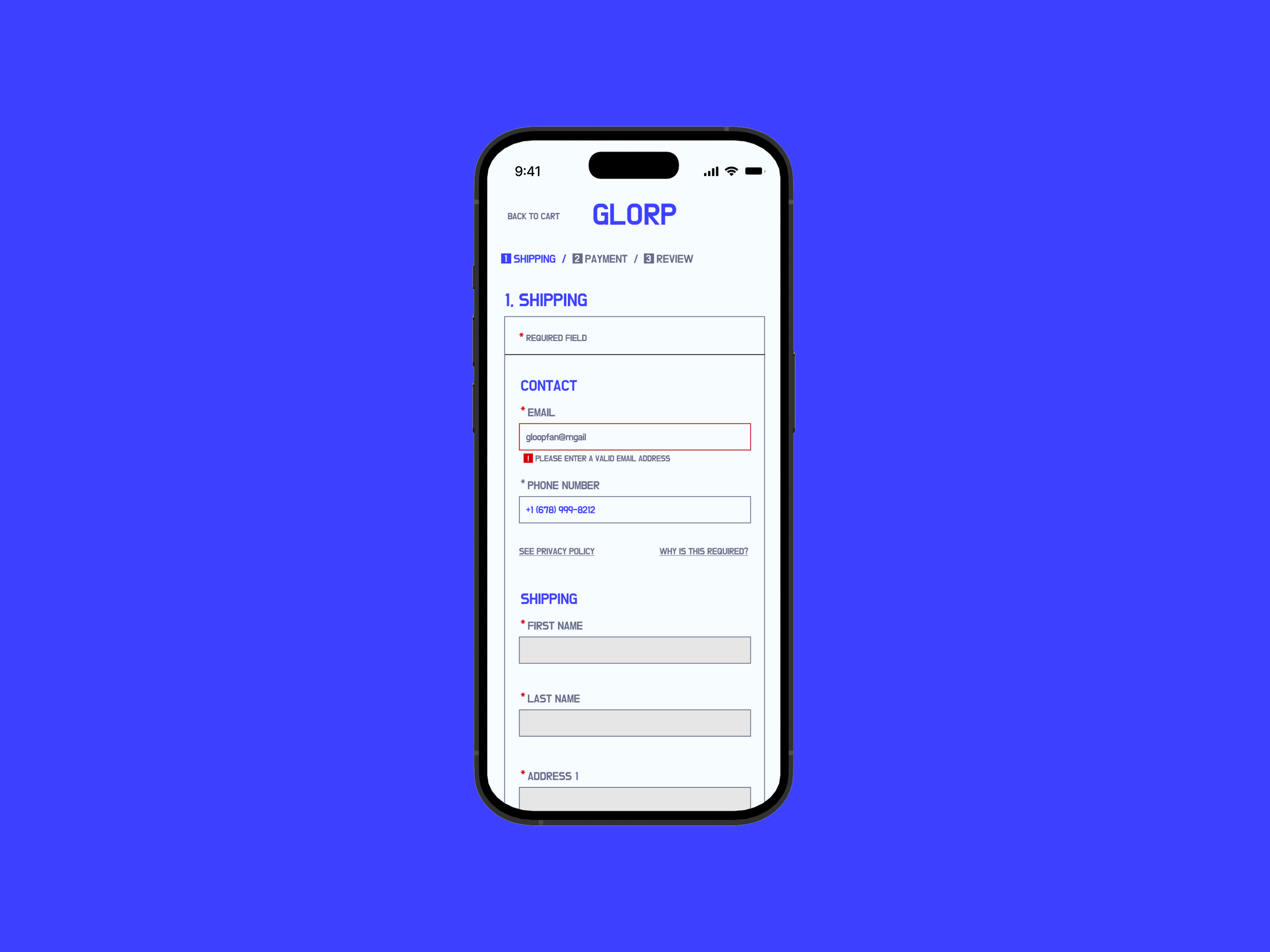
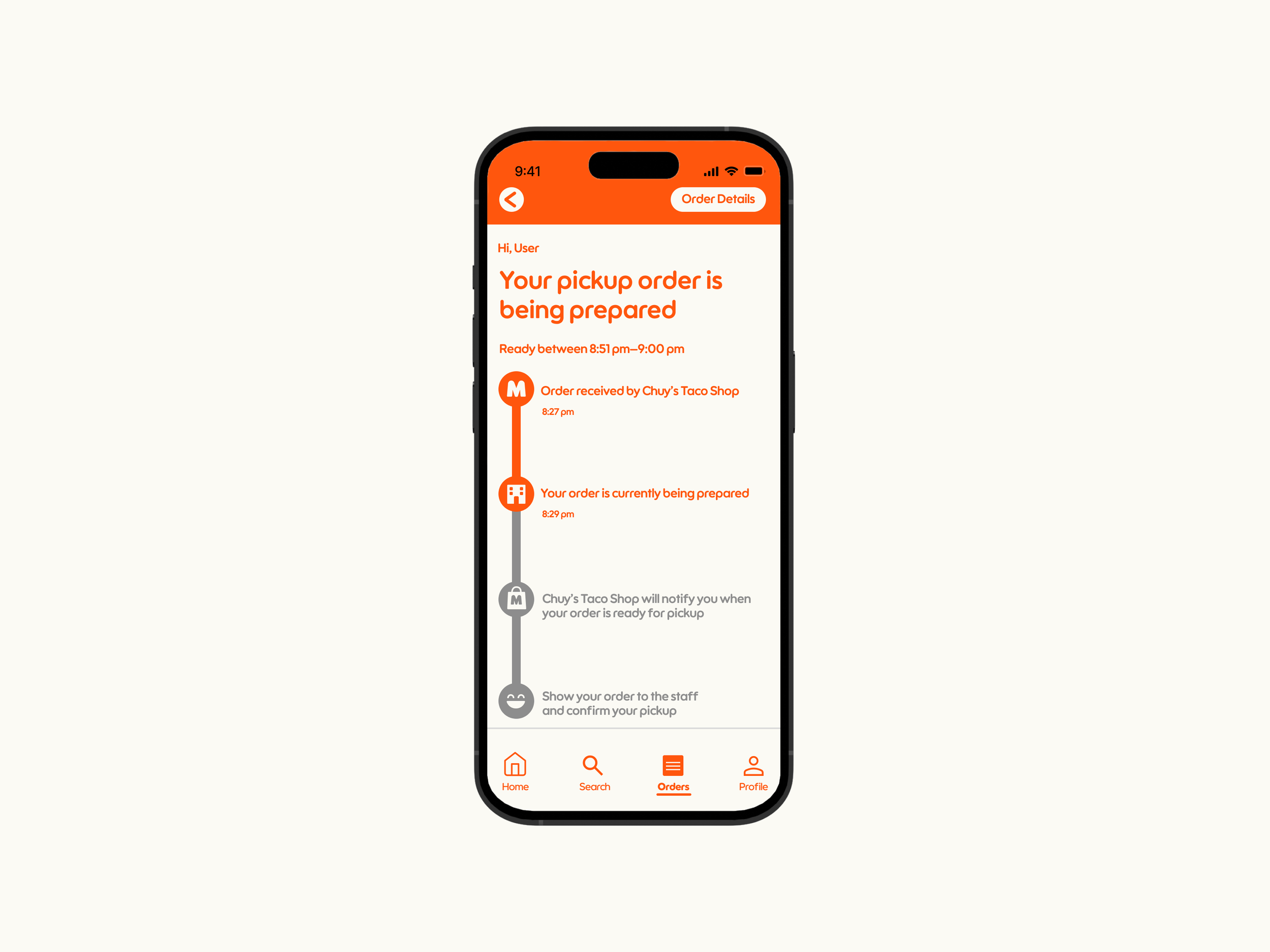
Inspired by modern, angular, high-fashion app design, I created this retail checkout tab. I wanted to indicate the different levels of hierarchy within the text fields without making it too distracting.
Week 6: Date Pickers
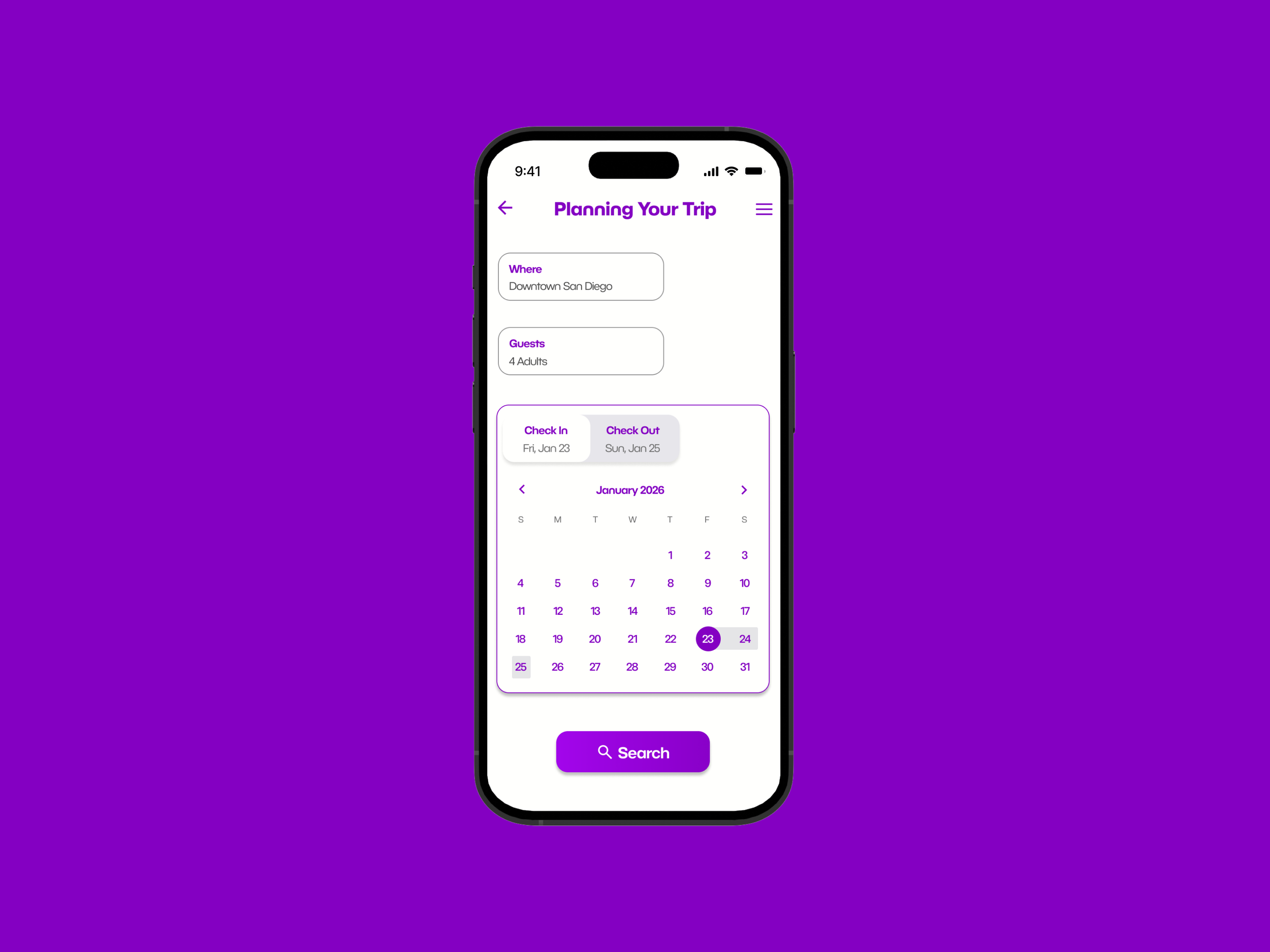
With date pickers, it is difficult and likely unnecessary to reinvent the wheel, so I wanted to make sure that my color contrast was high and my visual hierarchy was on point.
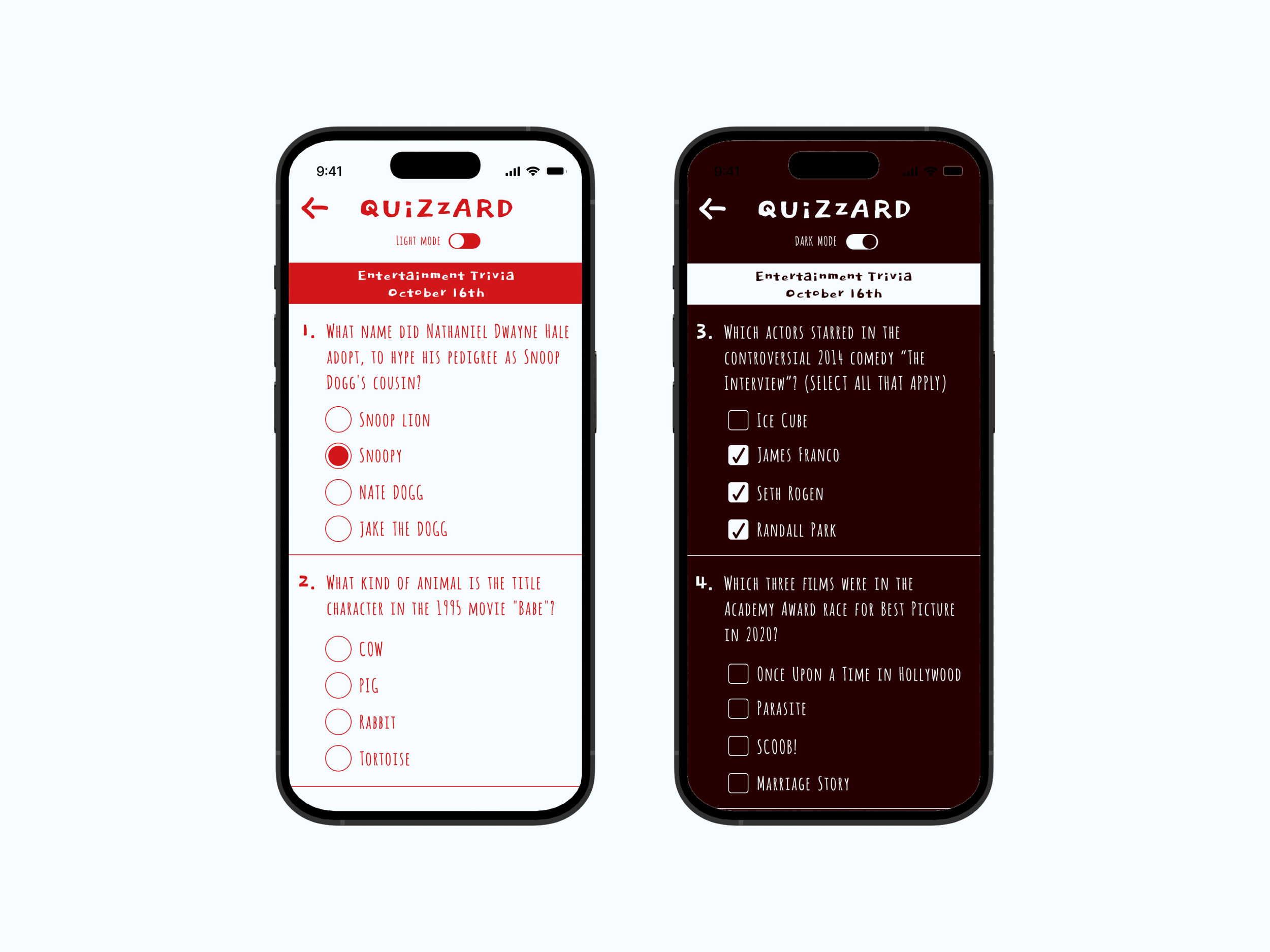
Week 7: Checkbox/Switch/Radio Button
I wanted to not repeat the same visual language over and over, and here I made one of the more radical departures from the norm with handwritten typography that was more prevalent in early 2010s UI.
Week 8: Lists & Bottom Sheets
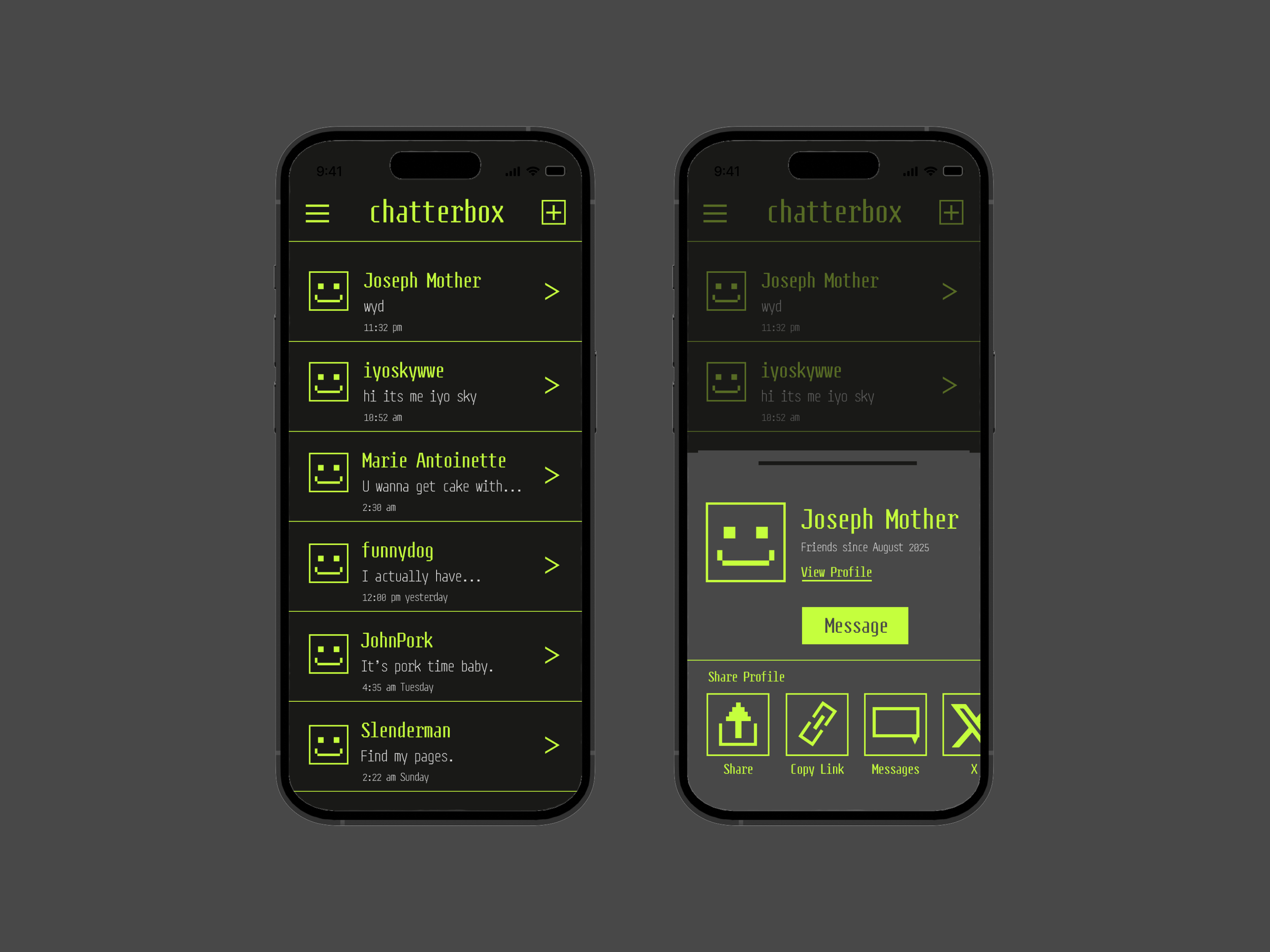
In my other steep departure from design norms, I made an ode to retro bitmapped digital design with this messaging interface.
Week 9: Badge & Snack Bars
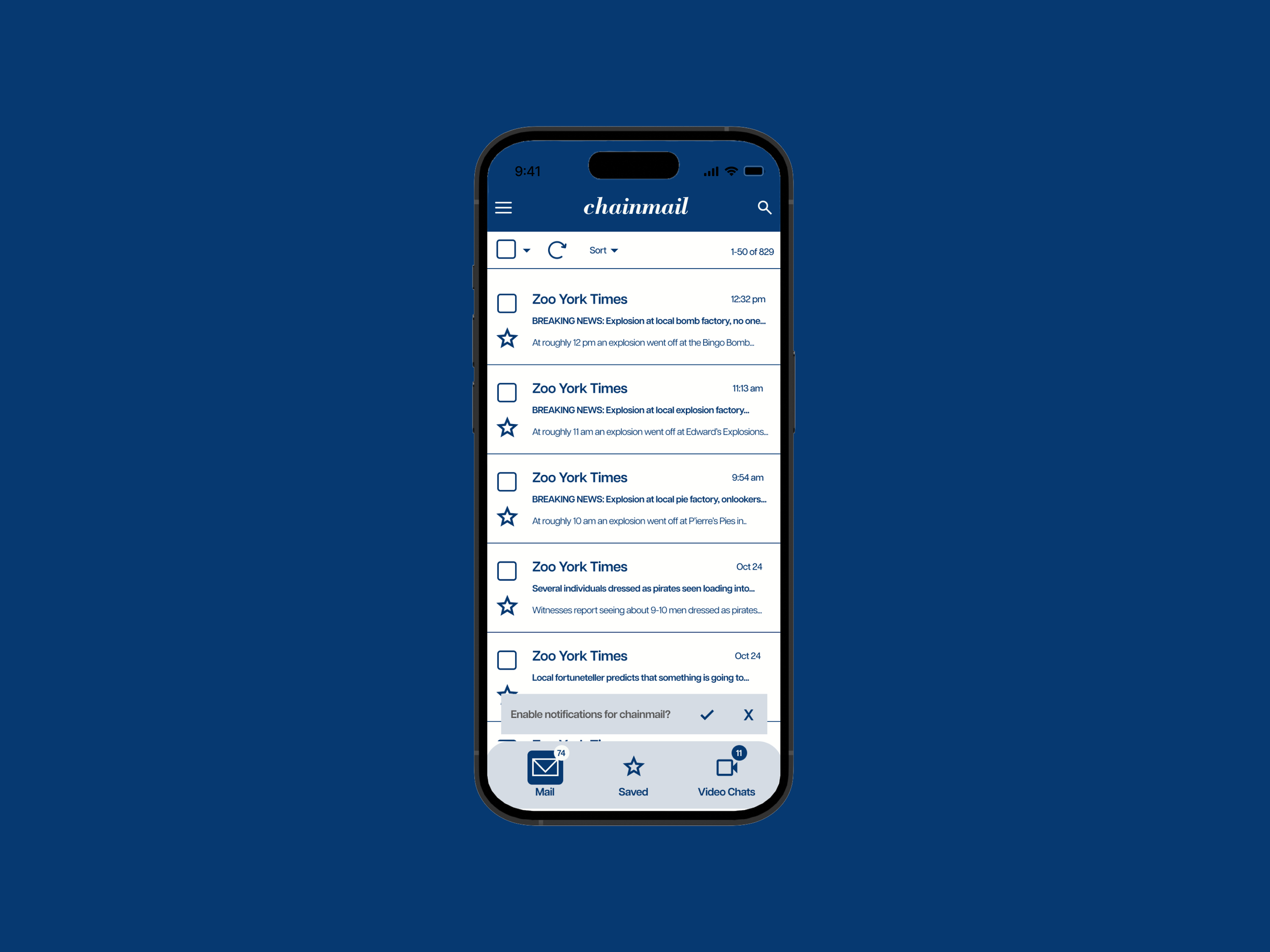
A return to more traditional UI practices. I also challenged myself to create interfaces for all kinds of apps; here I covered email. At this point, the first step in my design process was deciding on typefaces for the header and body copy. The typography then informs the rest of my design, from scale to even color. I felt that navy blue and a bright white suited the professional look of the serif-sans serif combo.
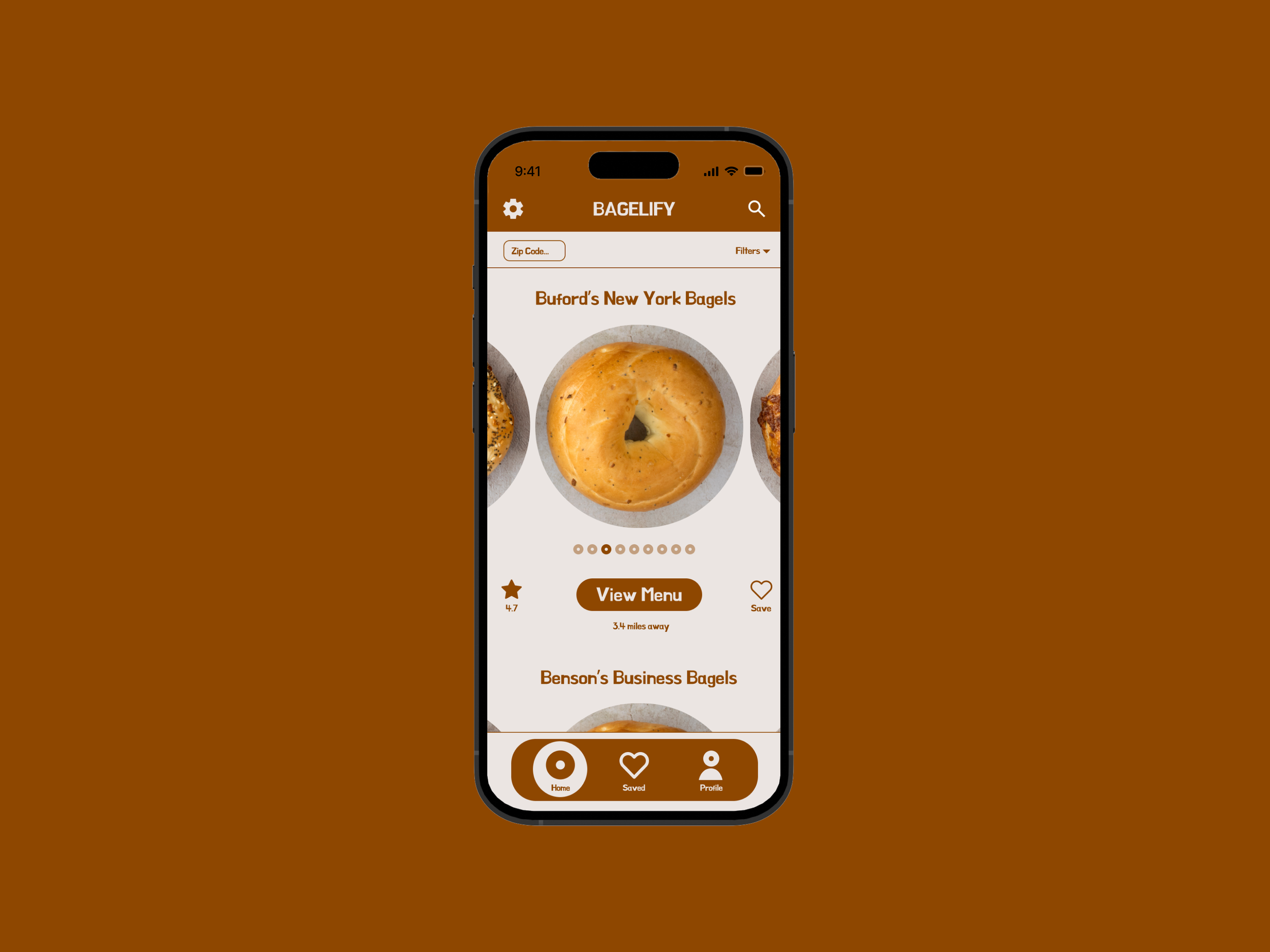
Week 10: Carousel
This and Week 5’s Text Field UI may be my favorites. I feel in these I found the best balance between tradition and personality. I particularly enjoyed implementing the circular elements throughout the interface to really tie in the bagel theme.
Week 11: Countdown Timer
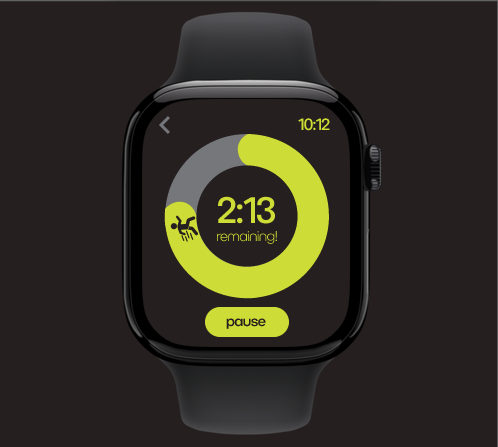
Here we were specifically tasked with designing for a smart watch format. Working within the limited space was challenging, but ultimately I am satisfied with the interface. Were this an animated interface, the little icon would start stationary before running the course of the timer.
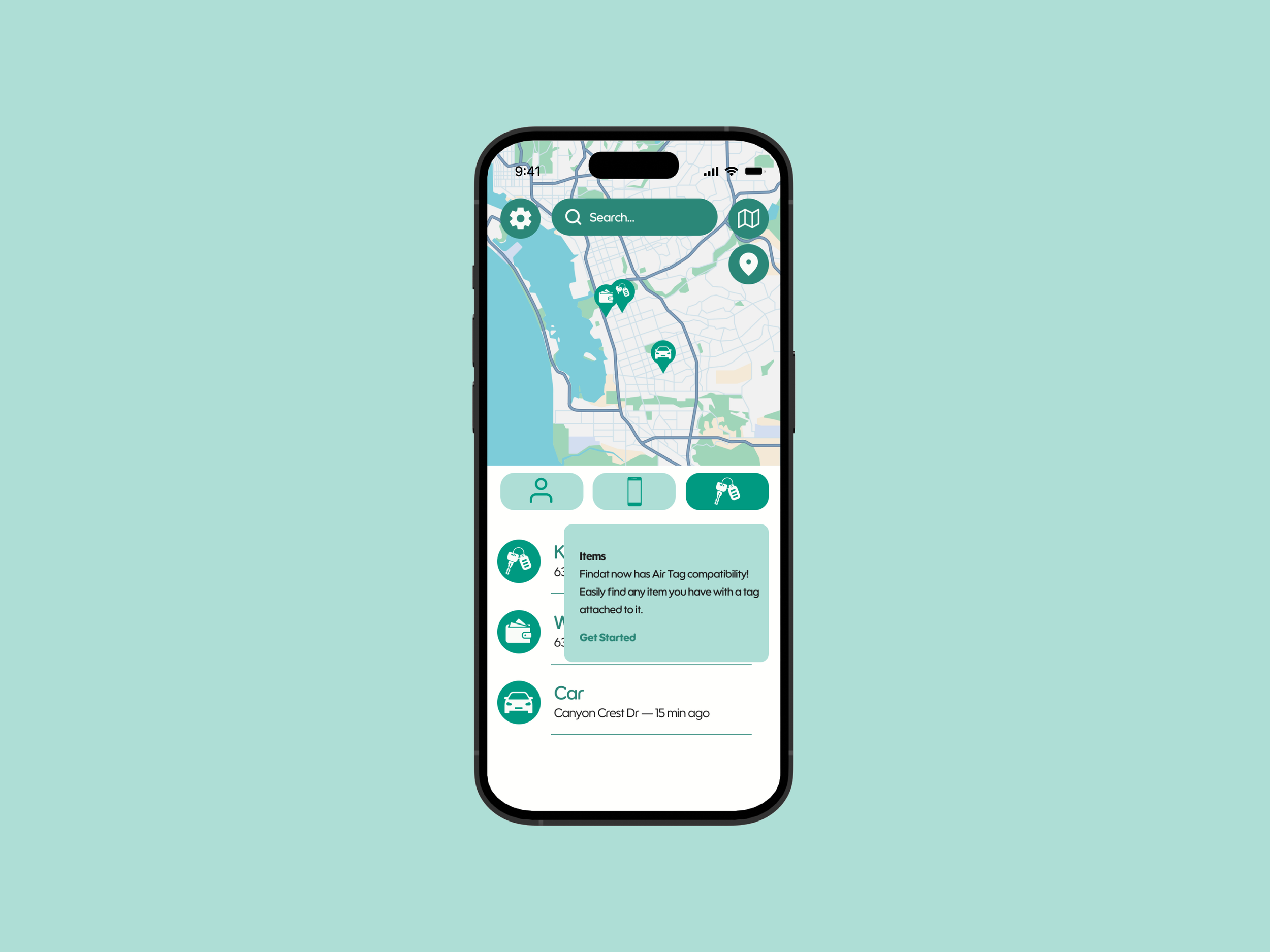
Week 12: Tabs & Tooltips
For the second-to-last UI, I felt the semester’s worth of routine come into play, as the arrangement of type, color, and image all felt natural and free-flowing.
Week 13: Landing Pages
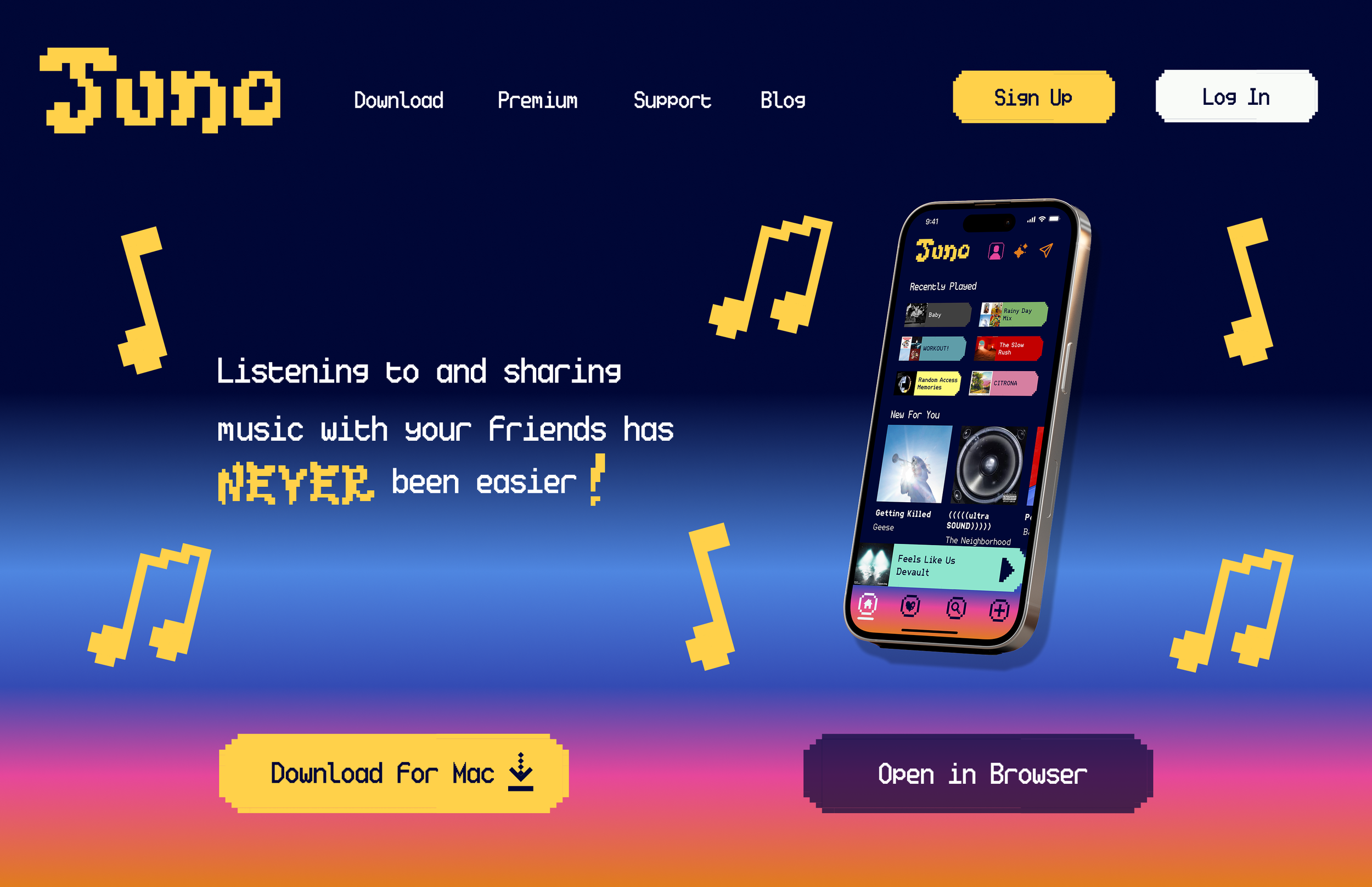
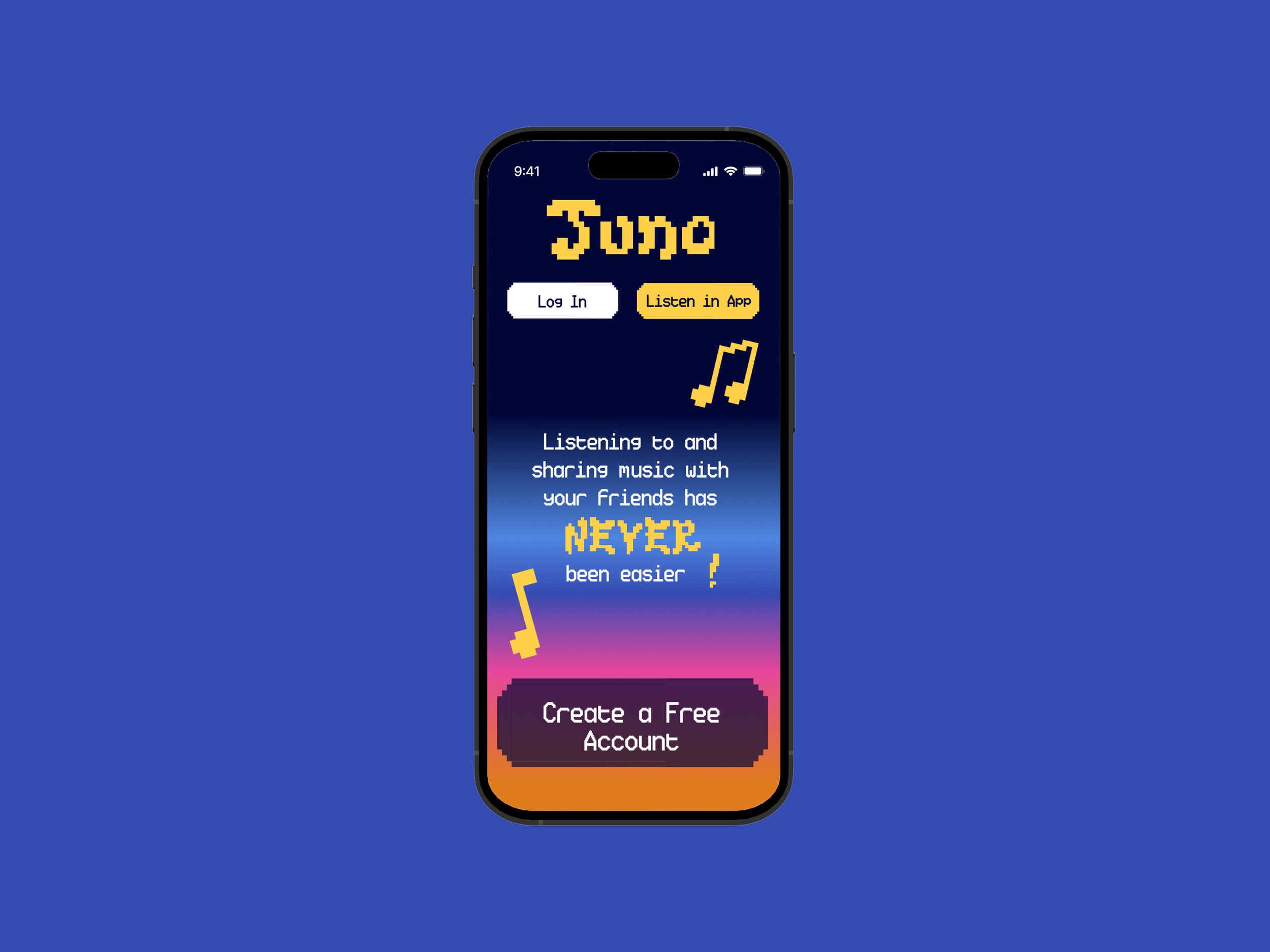
The final UI was directly connect to the primary class project. In my case, it was for my partner and I’s music streaming app. This was my take on a mobile and desktop landing page. Our design system was a very opinionated, bold, and colorful one, and I implemented our elements from it to provide a window into the larger app.